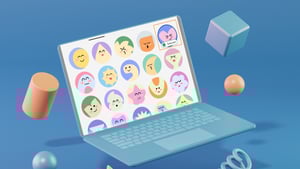
We zijn verheugd om twee nieuwe functies in itslearning aan te kondigen: het bijsnijden van afbeeldingen voor je profielfoto en nieuwe avatars. Hierdoor voelt het platform persoonlijker aan voor gebruikers en krijgen beheerders betere tools om gebruikersafbeeldingen in het hele systeem te beheren.
Je profielfoto of avatar wordt naast alle bijdragen van gebruikers weergegeven, inclusief aankondigingen, opmerkingen, inzendingen en vakkaarten. Hierdoor zijn collega's, studenten en medewerkers in één oogopslag gemakkelijker te herkennen.
Het gebruik van profielfoto's en avatars
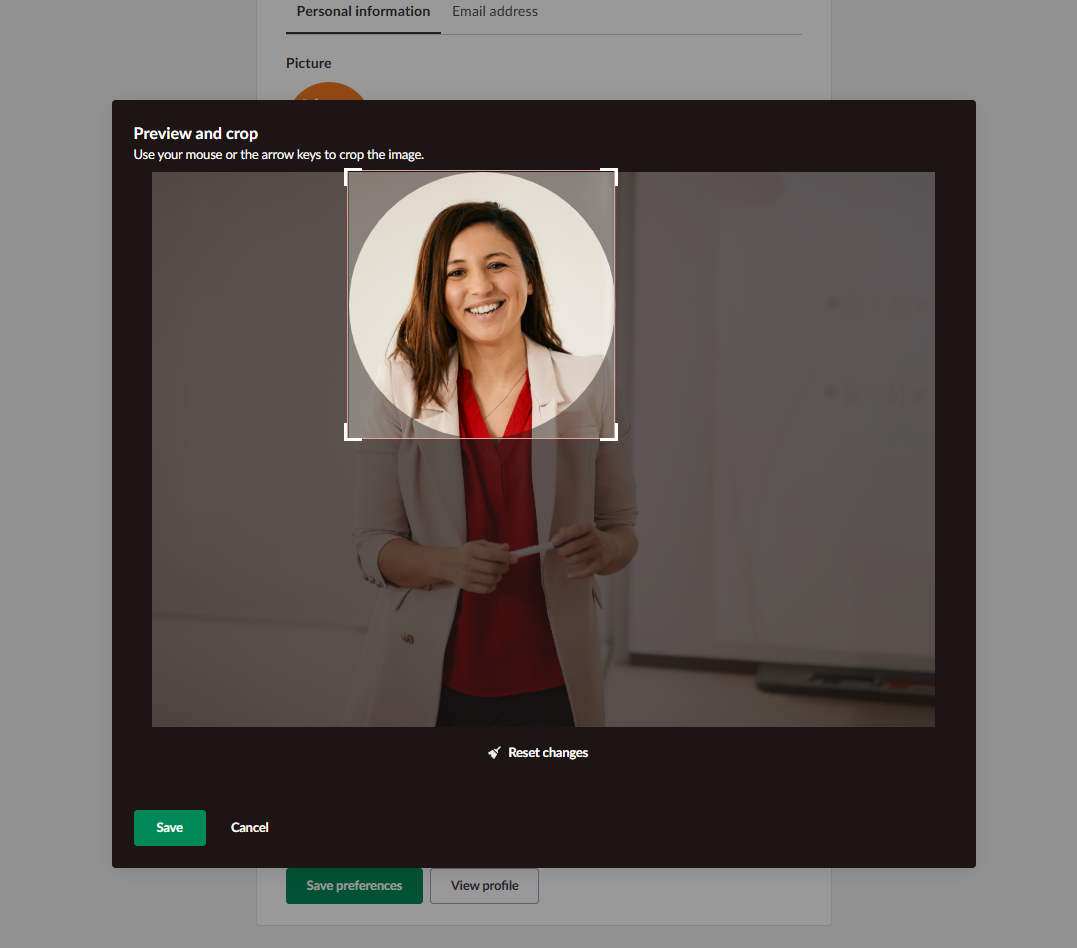
Profielfoto : docenten en studenten kunnen een afbeelding uploaden om zichzelf te vertegenwoordigen. Deze kan eenvoudig worden bijgesneden om het zichtbare gedeelte van de profielfoto aan te passen.
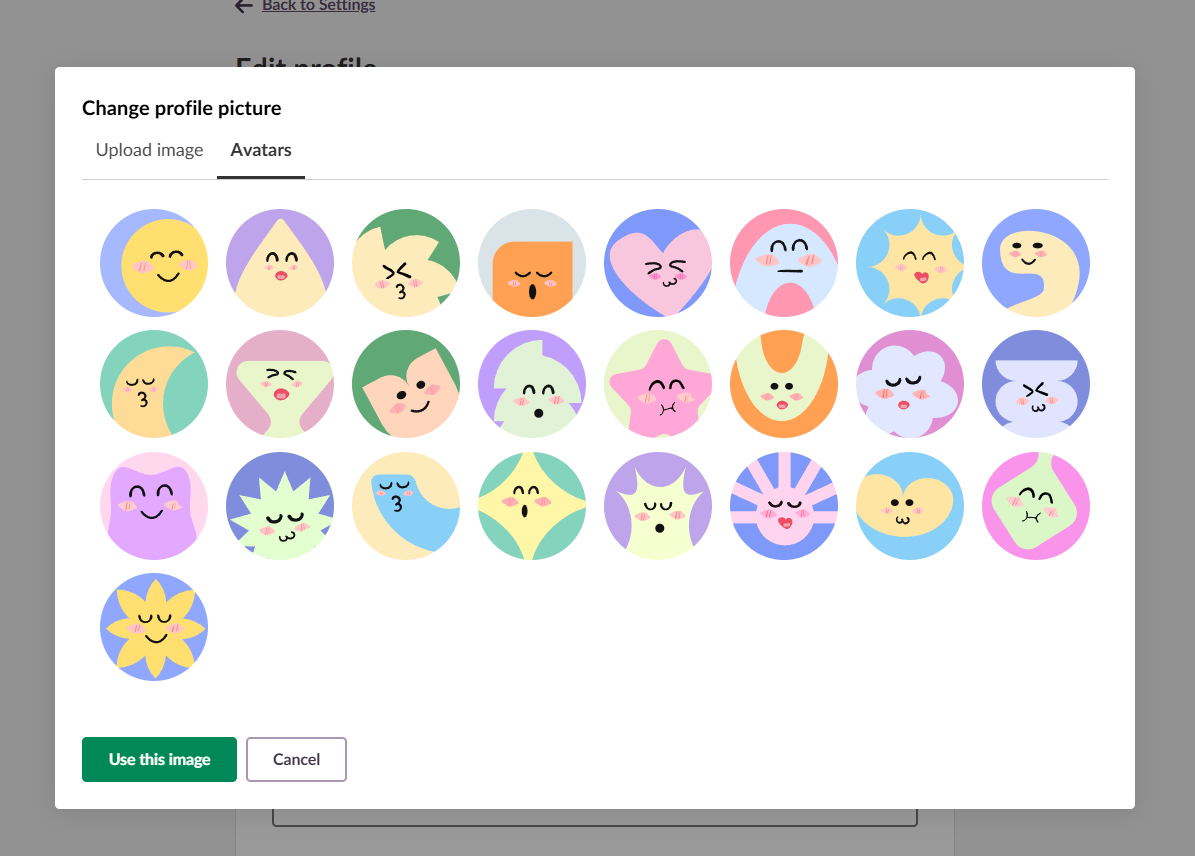
Avatars zijn vooraf gedefinieerde illustraties die gebruikers kunnen selecteren als profielfoto in plaats van hun eigen profielfoto te uploaden. Beheerders kunnen avatars toewijzen aan gebruikers die geen profielfoto hebben geüpload. Het voordeel voor scholen is dat de standaard grijze silhouetten worden vervangen door aantrekkelijkere en herkenbaardere inhoud.
Voor schoolbestuurders
Systeembeheerders kunnen de avatar via de instellingen voor de aanmeldpagina beheren en regels toepassen op groepen studenten, docenten of medewerkers.
Ze kunnen ook een automatische avatar inschakelen, bijvoorbeeld bij nieuwe gebruikers, zodat iedereen automatisch een avatar krijgt. Voor bestaande gebruikers kunnen systeembeheerders willekeurige avatars toewijzen aan iedereen die geen eigen afbeelding heeft geüpload, terwijl gebruikers met aangepaste afbeeldingen deze behouden.
Waarom deze updates belangrijk zijn
De introductie van het bijsnijden van afbeeldingen voor profielfoto's en avatars voor docenten en studenten komt tegemoet aan een aantal belangrijke behoeften in digitale leeromgevingen:
- Erkenning: identificeer snel wie heeft bijgedragen aan discussies, aankondigingen en samenwerkingsprojecten.
- Personalisatie: individuele identiteit tot uitdrukking brengen binnen het leerplatform.
- Betrokkenheid: een gastvrije en mensgerichte digitale omgeving realiseren.
- Toegankelijkheid: alle tools zijn ontworpen om naadloos te werken met toetsenbordnavigatie en schermlezers.
Aan de slag
Het bijsnijden van afbeeldingen voor geüploade profielfoto's en avatars zal binnenkort beschikbaar zijn in itslearning. Daarna kunnen docenten en studenten beginnen met het personaliseren van hun profielfoto.
Voor meer informatie over het beheren van profielfoto's en avatars kunt u onze ondersteuningsartikelen lezen:
.
Lees meer over de GDP en welke andere functies je kunt verwachten.